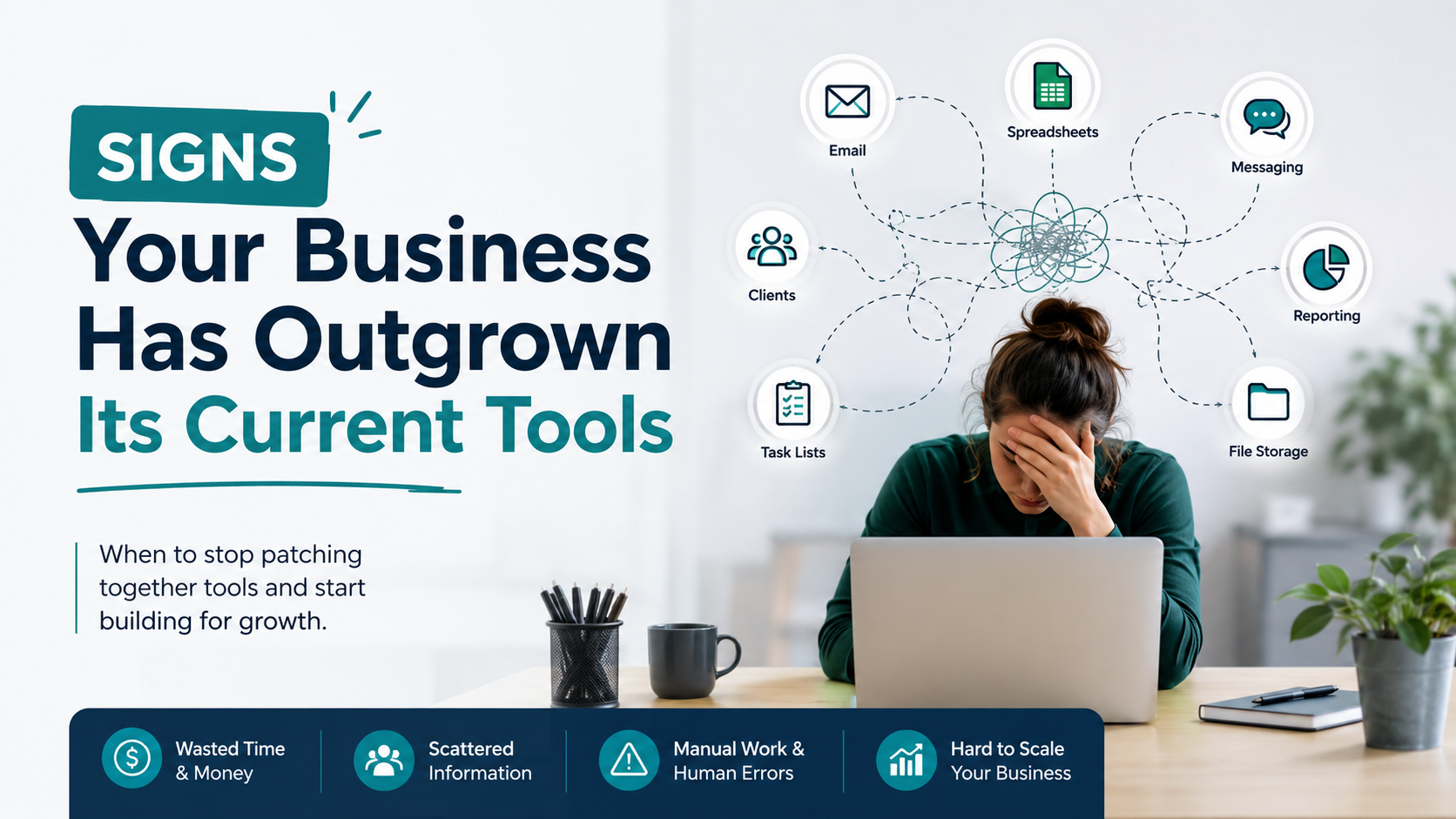
If your team spends more time working around software than actually using it, your business has outgrown its software. What once worked for a small operation can become a bottleneck as sales grow, employees increase, and daily processes become more complex.
Upgrading your tools isn’t about chasing new technology. It’s about making sure your systems continue to support your business instead of slowing it down. Knowing the warning signs early can help you avoid costly inefficiencies and make informed decisions about your next steps.
Why Businesses Eventually Outgrow Their Software
Most businesses start with affordable, easy-to-use tools. Spreadsheets, entry-level ecommerce platforms, and basic business applications often work well in the beginning.
As your company grows, however, new challenges emerge:
- More customers
- More employees
- More products
- More sales channels
- More reporting requirements
Eventually, your business has outgrown its software because the systems were never designed for your current level of complexity.
The goal isn’t to replace software simply because it’s old. The goal is to determine whether your current tools still support the way your business operates today.
- You’re Constantly Wondering When to Upgrade Business Tools
One of the clearest indicators is repeatedly asking yourself when to upgrade business tools.
If you regularly experience issues like:
- Slow workflows
- Missing features
- Frequent workarounds
- Multiple disconnected systems
then your software may no longer fit your operational needs.
Rather than asking whether new software has more features, ask whether your current tools help your team work efficiently.
- Employees Spend Too Much Time on Manual Work
Manual processes often grow gradually.
Your team may spend hours:
- Updating spreadsheets
- Copying customer information
- Re-entering inventory data
- Creating reports manually
- Moving information between software platforms
These repetitive tasks don’t usually appear all at once, but together they consume valuable time that could be spent serving customers or growing the business.
- You’re Struggling With Scaling Business Systems
Growth should make your business stronger—not more difficult to manage.
If adding new products, employees, or sales channels creates significantly more administrative work, you may have problems with scaling business systems.
Examples include:
- Inventory isn’t synchronized across platforms.
- Reports take longer every month.
- New employees require complicated manual processes.
- Different departments rely on different data sources.
Successful scaling business systems should make growth manageable rather than creating additional complexity.
- You Notice Outdated Business Software Signs Every Week
Some warning signs become so common that businesses stop noticing them.
Typical outdated business software signs include:
- Frequent duplicate data entry
- Slow report generation
- Software that doesn’t integrate with newer tools
- Employees maintaining separate spreadsheets
- Manual approval processes
- Limited mobile access
Individually these issues may seem manageable.
Collectively, however, they often indicate that your software is holding the business back.
- Reporting Takes Longer Than Making Decisions
Business owners shouldn’t spend hours gathering information before they can act on it.
Imagine an ecommerce company selling through Shopify, Amazon, and Etsy.
Every Monday, an employee spends:
- 45 minutes exporting reports
- 30 minutes combining spreadsheets
- 30 minutes checking inventory data
- 15 minutes correcting errors
That’s two hours every week spent preparing reports instead of analyzing them.
If reporting has become a manual process, your business may benefit from systems designed to centralize and organize data more efficiently.
- Your Software Doesn’t Grow With Your Business
One of the biggest challenges occurs when your software cannot adapt to changing business needs.
For example, you may need:
- Role-based employee access
- Custom workflows
- Better reporting
- Customer portals
- Inventory synchronization
- Integration with accounting software
If your existing platform cannot support these requirements, your business has outgrown its software, even if the software itself still functions properly.
Growth often requires greater flexibility than entry-level applications can provide.
- Subscription Costs Keep Increasing
Many businesses add new software whenever they encounter a limitation.
Over time they may pay for:
- CRM software
- Inventory software
- Reporting tools
- Shipping software
- Project management platforms
- Automation software
Each subscription solves one problem while creating another disconnected workflow.
Instead of simplifying operations, multiple subscriptions can increase complexity and ongoing expenses.
At some point, consolidating these functions may become a more practical long-term investment.
Should You Replace Everything?
Not necessarily.
Replacing software should solve business problems—not create new ones.
A practical approach is to identify:
- Which tools still work well
- Which workflows consume the most time
- Which systems need better integration
- Which manual tasks occur every day
In many cases, businesses improve operations by connecting existing systems or developing custom solutions for specific workflows rather than replacing every application.
How ZM Collab Helps Growing Businesses
Every business grows differently, so software should evolve with it.
ZM Collab develops custom web applications that integrate with ecommerce platforms, internal systems, and operational workflows. Instead of forcing businesses to adapt to generic software, custom solutions are designed around existing processes while supporting future growth.
For companies expanding across multiple sales channels or managing increasingly complex operations, custom web apps can help centralize information, improve reporting, and reduce manual work.
Final Thoughts
Recognizing when your business has outgrown its software isn’t about adopting new technology for its own sake. It’s about ensuring your tools continue to support your business as it grows.
If you’re spending more time working around software than using it, noticing outdated business software signs, or struggling with scaling business systems, it may be time to evaluate a solution built around your workflow instead of forcing your workflow to fit generic software.
If you’re ready to explore software designed for your business, visit ZM Collab’s Custom Web Apps page to learn how tailored solutions can support your next stage of growth.
Image Alt Text Suggestions
- Business owner reviewing signs a business has outgrown its software
- Custom dashboard replacing outdated business software for an ecommerce company
- Team managing scaling business systems with a custom web application
Internal Linking Suggestions
- Custom web applications for growing businesses → Custom Web Apps
- Ecommerce development for Shopify, Amazon, eBay, and Etsy → Ecommerce Services
- Business workflow automation solutions → Automation Services
- Mobile apps for business operations → Mobile App Development
FAQ
How do I know if my business has outgrown its software?
If your team spends excessive time on manual work, uses multiple disconnected tools, struggles with reporting, or regularly works around software limitations, your business may have outgrown its current software. These issues often become more noticeable as operations and customer demand grow.
When should I upgrade business tools?
You should consider when to upgrade business tools if your existing software slows productivity, lacks important features, or cannot support your current workflows. The right time is usually when operational inefficiencies begin affecting customer service, reporting, or business growth.
What are common outdated business software signs?
Common outdated business software signs include duplicate data entry, poor system integrations, manual reporting, slow workflows, limited mobile functionality, and an increasing reliance on spreadsheets to fill software gaps. These issues often indicate it’s time to review your technology stack.
How can custom software help with scaling business systems?
Custom software supports scaling business systems by connecting workflows, integrating existing tools, improving reporting, and reducing manual processes. Rather than forcing businesses to adapt to generic applications, custom solutions are designed around the way the business actually operates.