

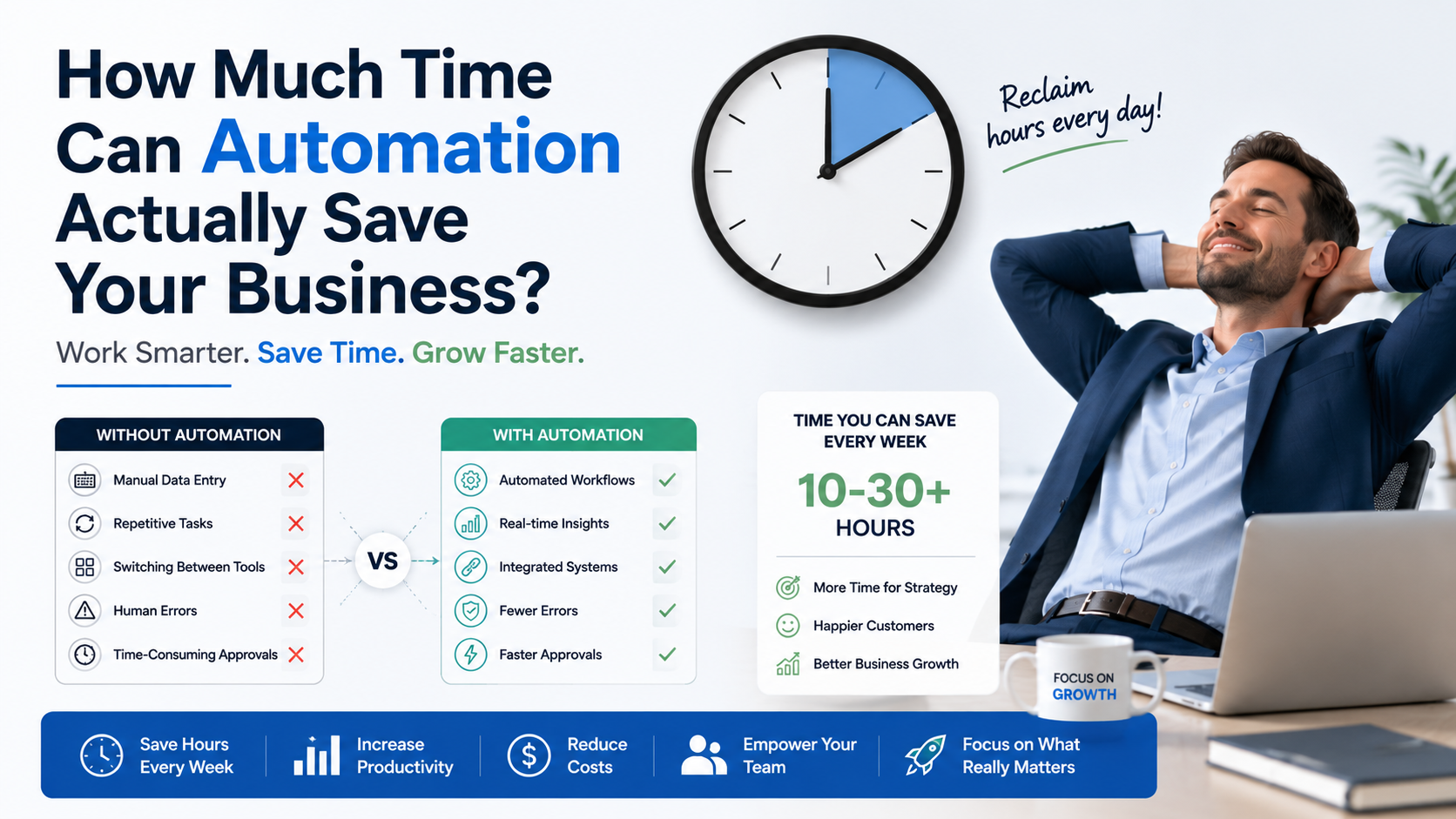
If you feel like you’re spending more time managing your business than growing it, you’re not alone. Many small business owners ask the same question: how much time does automation save in day-to-day operations? The answer depends on your processes, but for businesses handling repetitive tasks, automation can significantly reduce manual work and free up valuable time for higher-priority activities.
Automation isn’t about replacing people or eliminating oversight. Instead, it’s about allowing software to handle repetitive, rule-based tasks so your team can focus on customer service, strategy, and business growth.
Why Small Businesses Lose So Much Time on Repetitive Tasks
Many online businesses start with manual processes because they’re simple and inexpensive.
As sales increase, however, owners often find themselves spending hours every week on tasks like:
- Updating inventory
- Processing orders
- Sending confirmation emails
- Creating invoices
- Copying customer information
- Tracking shipments
- Updating spreadsheets
Each task may only take a few minutes, but together they consume a large portion of the workday.
This is where automation for small business becomes valuable—not by eliminating work entirely, but by reducing repetitive administrative effort.
How Much Time Does Automation Save in Real Business Workflows?
There’s no universal answer because every business operates differently.
For example, imagine an ecommerce business processing 35 customer orders each day.
Without automation, an employee may spend:
- 2 minutes updating inventory
- 2 minutes creating invoices
- 2 minutes sending customer emails
- 3 minutes updating shipping records
That’s approximately 9 minutes per order.
35 orders × 9 minutes = 315 minutes, or just over 5 hours each day spent on repetitive administrative work.
With automation, many of these routine steps can be connected into a workflow. Staff still review exceptions, answer customer questions, and monitor operations, but they spend far less time entering the same information into multiple systems.
Business Automation Benefits Beyond Saving Time
Saving time is often the first reason companies explore automation, but it’s not the only advantage.
Some additional business automation benefits include:
- Fewer manual data entry mistakes
- Faster internal workflows
- More consistent customer communication
- Better visibility across connected systems
- Easier scaling as order volume grows
Automation helps businesses create more reliable processes while allowing employees to focus on work that requires human judgment.
Which Tasks Are Worth Automating First?
Not every task needs automation.
The best candidates are repetitive activities that follow the same steps every time.
These often include:
- Order confirmations
- Inventory updates
- Customer notifications
- Invoice generation
- Shipping updates
- CRM data entry
- Report generation
Starting with one or two workflows allows businesses to see practical improvements before expanding automation into other areas.
Understanding the ROI of Automation
Business owners naturally ask whether automation is worth the investment.
The ROI of automation isn’t measured only by money saved. It’s also about recovering hours that can be invested elsewhere.
For example:
A business owner spends 15 hours every week updating orders and inventory.
If automation reduces that repetitive work substantially, those hours could instead be used for:
- Marketing campaigns
- Product sourcing
- Customer service
- Improving the online store
- Business planning
The financial value depends on each business, but recovered time often becomes one of the most meaningful returns.
When evaluating the ROI of automation, it’s helpful to compare implementation costs with the ongoing time spent on manual processes.
Automation for Small Business Doesn’t Have to Be Complicated
One common misconception is that automation requires replacing every system you already use.
In reality, many businesses simply connect their existing software.
Examples include:
- Shopify with accounting software
- Amazon with inventory management
- Etsy with shipping platforms
- Email marketing connected to customer purchases
- CRM systems linked to online orders
This type of automation for small business focuses on improving existing workflows rather than rebuilding operations from scratch.
When Automation May Not Be the Right Solution
Automation works best for structured, repeatable processes.
Tasks that still benefit from human involvement include:
- Customer support requiring empathy
- Negotiations with suppliers
- Creative marketing
- Strategic business decisions
- Complex problem-solving
Automation supports these activities by reducing administrative work—not replacing people.
How ZM Collab Helps Businesses Automate Practical Workflows
Every business has unique systems and processes, so automation should reflect how your business actually operates.
ZM Collab helps small businesses connect ecommerce platforms, business software, and internal workflows to reduce repetitive work and improve operational efficiency. Whether you’re selling through Shopify, Amazon, eBay, Etsy, or a custom platform, automation can be designed around your existing processes instead of forcing major operational changes.
For businesses with specialized requirements, automation can also be integrated with custom web applications to support future growth.
Final Thoughts
So, how much time does automation save?
The answer depends on the tasks you’re automating, but businesses that reduce repetitive manual work often gain back hours each week that can be spent on activities requiring experience, creativity, and customer interaction.
The goal isn’t to create a business that runs without people. It’s to remove repetitive work that slows your team down and makes growth more difficult.
If you’d like to explore practical automation for small business, visit ZM Collab’s Automation Services page to learn how connected workflows can support your day-to-day operations.
Image Alt Text Suggestions
- Small business dashboard showing how much time does automation save through connected workflows
- Ecommerce workflow illustrating business automation benefits for online stores
- Automation for small business connecting inventory, orders, and customer notifications
Internal Linking Suggestions
- Automation solutions for small businesses → Automation Services
- Shopify and multi-channel ecommerce development → Ecommerce Services
- Custom web applications for business operations → Custom Web Apps
- Mobile apps for managing business workflows → Mobile App Development
FAQ
How much time does automation save for a small business?
The amount of time saved depends on the workflows being automated. Businesses that automate repetitive tasks such as inventory updates, order processing, and customer notifications often reduce the hours spent on manual administration, allowing staff to focus on higher-value work.
What are the biggest business automation benefits?
Business automation benefits include reducing repetitive data entry, improving workflow consistency, minimizing manual errors, speeding up routine processes, and creating better connections between business systems. These improvements can help businesses operate more efficiently without removing human oversight.
How do I measure the ROI of automation?
The ROI of automation can be evaluated by comparing implementation costs with the time and resources saved through reduced manual work. Businesses should also consider improvements in operational efficiency, workflow consistency, and the ability to scale processes as demand grows.
What is the best automation for small business?
The best automation for small business depends on your operations. Many businesses begin by automating inventory management, order processing, customer emails, invoicing, or CRM updates before expanding into more advanced workflow integrations as their needs evolve.