

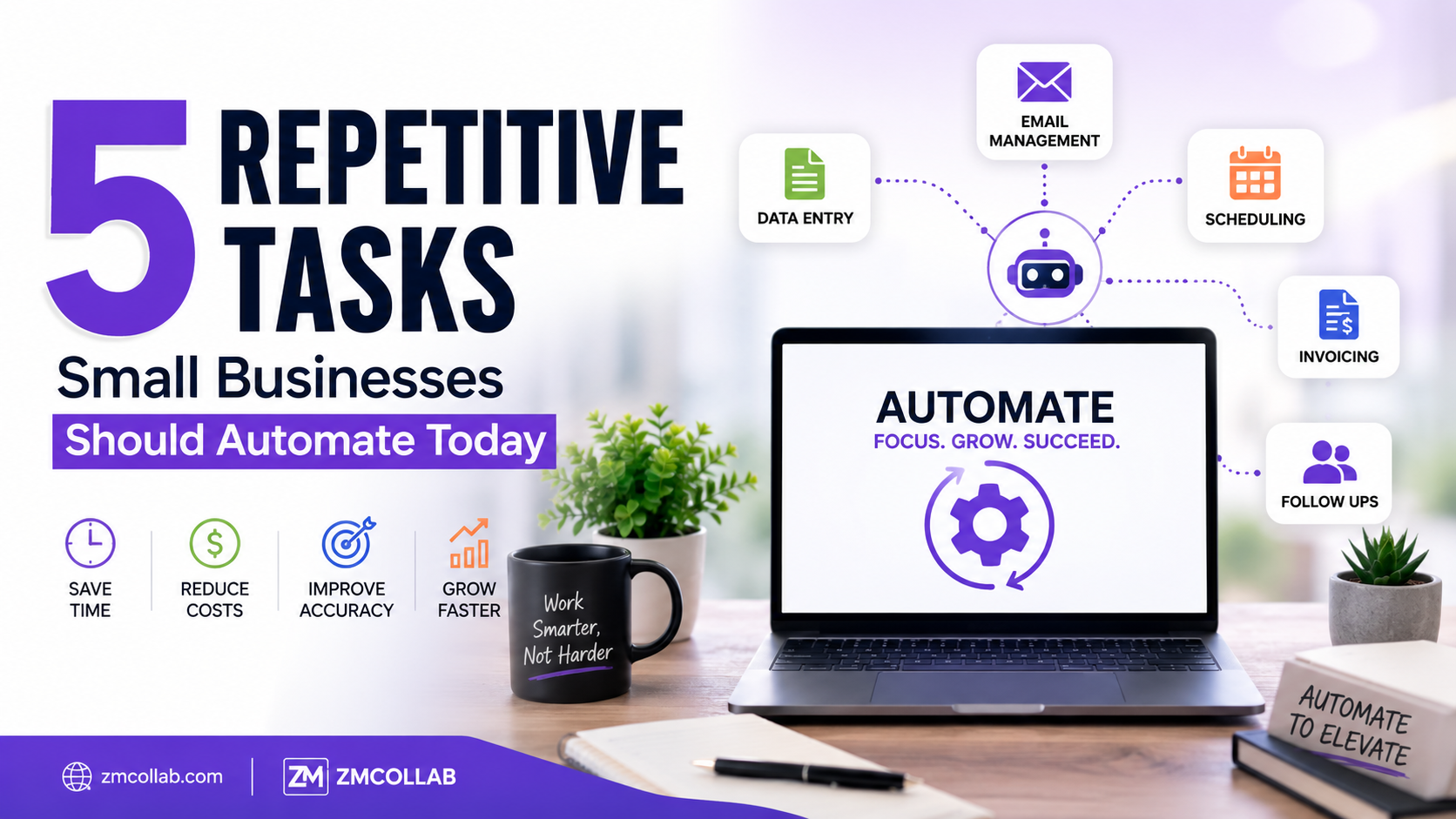
If you’re spending hours every week on the same manual tasks — copying data between spreadsheets, sending the same follow-up emails, updating inventory by hand — small business task automation could free up meaningful time without requiring a complete overhaul of how you work. You don’t need a large budget or technical background to get started, either.
Here are five tasks worth looking at first.
Why Should Small Businesses Automate Repetitive Tasks?
Every hour spent on manual, repetitive work is an hour not spent on the parts of your business that actually need your judgment — talking to customers, refining products, or planning growth. Business process automation doesn’t remove the need for oversight, but it does remove the need to personally perform the same task 50 times a week.
The goal isn’t to automate everything at once. It’s to identify the specific tasks eating the most time relative to the value they add.
- Order Confirmation and Shipping Notifications
If you’re manually emailing customers every time an order ships, that’s time that could go elsewhere. Most ecommerce platforms, including Shopify, support automated order and shipping notifications, but many small sellers managing multiple marketplaces (Amazon, eBay, Etsy) end up doing this manually because each platform handles it differently.
Time cost without automation: Roughly 5–10 minutes per order across platforms if done manually, which adds up quickly at any real sales volume.
- Inventory Updates Across Sales Channels
Manually updating stock levels across Shopify, Amazon, eBay, and Etsy after every sale is one of the most common sources of wasted time — and mistakes. Miss an update, and you risk overselling a product that’s actually out of stock.
Fix: Inventory sync tools or custom automation can update stock levels across all your sales channels automatically when a sale happens on any one of them, reducing both the manual work and the overselling risk.
- Repetitive Customer Support Questions
If you’re answering the same handful of questions repeatedly — “Where’s my order?”, “What’s your return policy?”, “Do you ship to Canada?” — a simple automated response system (like a chatbot or auto-reply with a knowledge base) can handle the routine ones, leaving you to focus on the questions that actually need a human.
How Much Time Does This Actually Save?
If you’re answering 15–20 repetitive support messages a week at roughly 3–5 minutes each, that’s close to an hour or more weekly that automation could redirect toward higher-value work.
- Data Entry Between Systems
Many small businesses run separate tools for sales, accounting, and inventory that don’t talk to each other. That often means manually copying data — order totals, customer info, product details — from one system into another.
Example: A business processing 50 orders a week, spending even 2 minutes per order on manual data entry between their sales platform and accounting software, loses over an hour and a half weekly to a task that connected systems could handle automatically.
- Abandoned Cart and Follow-Up Emails
Manually tracking who abandoned a cart and reaching out individually isn’t realistic for most small teams. Automated email sequences triggered by cart abandonment or post-purchase timing can handle this consistently without you monitoring it daily.
This is a good example of where automation and marketing overlap — the goal isn’t just to save time, but to make sure follow-ups actually happen instead of falling through the cracks during busy weeks.
How Much Does Small Business Task Automation Cost?
Costs vary widely depending on complexity:
| Automation Type | Approximate Cost |
| Built-in platform automation (Shopify email triggers) | Free–$20/month |
| Third-party automation tools (Zapier-style platforms) | $20–$100/month depending on volume |
| Custom-built automation for specific workflows | Varies by scope, often a one-time project cost plus light ongoing maintenance |
For many small businesses, starting with built-in or low-cost tools covers the basics. Custom automation becomes more worthwhile once your workflows are specific enough that off-the-shelf tools no longer fit well.
Where Should You Start?
Look at your own week and ask: which task did I repeat the most, and which one felt the most tedious? That’s usually your best starting point, not necessarily the task that seems most “automatable” in theory.
Start with one task, get it working reliably, then move to the next. Trying to automate everything simultaneously often creates more troubleshooting than time saved.
When Off-the-Shelf Tools Aren’t Enough
Generic automation tools work well for common tasks, but some workflows are specific enough to your business — a unique order process, a particular inventory setup, custom reporting needs — that they need a more tailored solution. This is where custom-built automation, rather than a general-purpose tool, tends to hold up better long-term.
ZM Collab’s automation services team works with small businesses to identify which repetitive tasks are worth automating first, based on actual time cost rather than guesswork.
The Bottom Line
You don’t need to automate your entire business to see a meaningful difference. Picking even one or two of the tasks above — the ones costing you the most hours relative to their value — is often enough to notice a real change in your week.
If you’re not sure where to start, ZM Collab’s Automation Services page can help you figure out which repetitive tasks make the most sense to automate first for your specific business.
Image Alt Text Suggestions
- “Small business task automation dashboard showing order and inventory workflows”
- “Comparison of manual vs automated repetitive tasks for small business owners”
- “Business process automation tool connecting sales and inventory systems”
Internal Linking Suggestions
- “custom-built automation, rather than a general-purpose tool” → Custom Web Apps page
- “inventory sync tools” → Ecommerce Services page
- “automation services team” → Automation Services page
FAQ Section
What tasks should a small business automate first? Start with the most repetitive, time-consuming tasks with the lowest complexity — like order notifications, inventory updates, or abandoned cart emails. These typically offer the most time savings relative to the effort required to set them up.
Is small business task automation expensive to set up? Not necessarily. Many platforms include basic automation for free or low cost, like Shopify’s built-in email triggers. Costs increase with complexity, so it’s worth starting with simple, low-cost tools before investing in custom-built solutions.
Does automating tasks mean I don’t need to monitor my business anymore? No. Automation handles repetitive execution, but it still requires occasional oversight to make sure workflows are running correctly and adjusting as your business changes. It reduces manual work, not the need for periodic checking.
How do I know if a task is worth automating? Consider how often you repeat it and how much time it takes each time. If a task consumes several hours a week combined, it’s usually a strong automation candidate — even if each individual instance seems small.